
Review the question while grading
The question is displayed at the beginning of the grading page. Longer question prompts, including questions that display images, can be displayed by clicking See Full Question.
If you’re using AMP and the assessment team included scoring instructions for the question, select View Scoring Instructions.
Review multiple attempts
The Grade by Question page displays student submissions and the number of attempts each student made on the assessment. Click the Attempts link for the student’s submission to review multiple attempts.
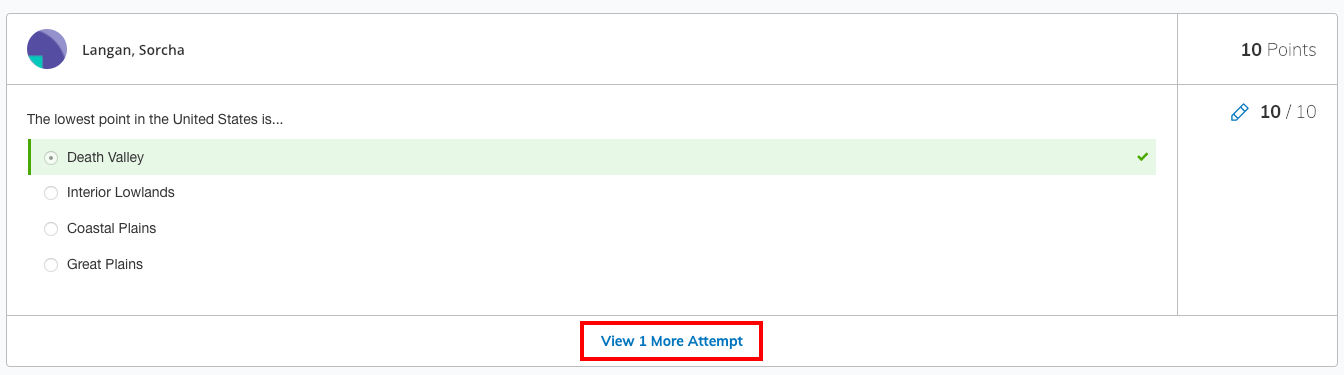
The latest attempt is displayed first for each student’s submission.