
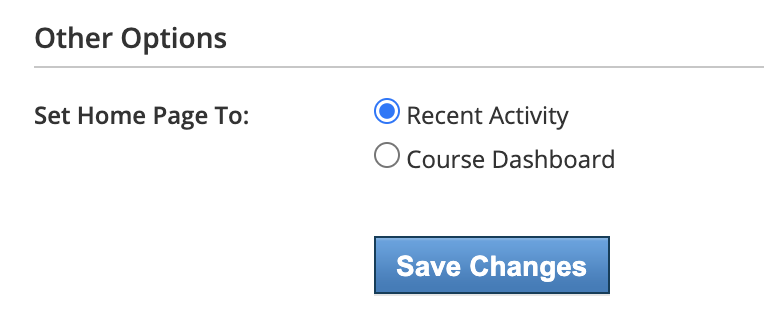
Set the default home page for your account to display Recent Activity or the Course Dashboard.
Your school may also set the default home page for all user accounts. This setting applies to all users who have not customized the setting in their own Account Settings. Once a user has set the default view in their own Account Settings, that selection overrides any system-level default.
-
Click your name in the header and choose Settings.
-
Navigate to Other Options.
-
From Set Home Page To, select Recent Activity or Course Dashboard.
-
Click Save Changes to apply.