
There is a file size limit of 512KB for uploaded image files.
Upload images to a question stimulus
-
Click the Image button on the rich text toolbar.

-
Drag and drop an image or click the + button to select an image on your device. Alternatively, enter a URL for the image in the Add URL for image from another website field.
-
If adding an image, you can choose to auto-populate images from your Downloads folder or click Show All Files... to add an image from your device.
-
-
When the image is selected, click Open to confirm.
-
Optionally, after uploading the image, adjust the image dimensions or add alternative text to be read when a screen reader encounters the image.
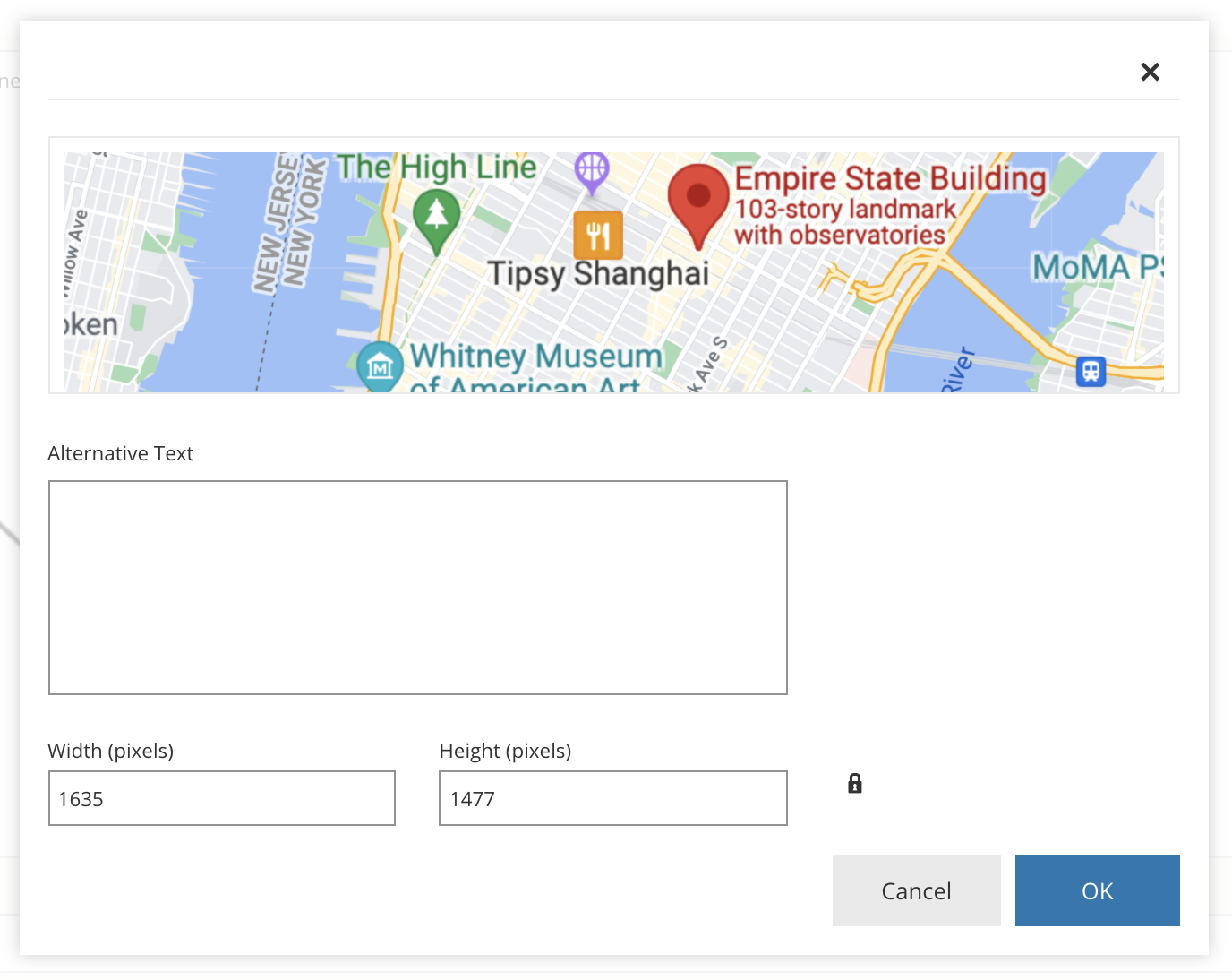
-
Click OK to insert the image. You can also drag and resize the image after it has been inserted into the question stimulus.
Upload images to question responses
Follow the steps from Upload images to a question stimulus to add images to question response options for multiple choice, true or false, matching, ordering, fill in the blank drag and drop, and label image question types.