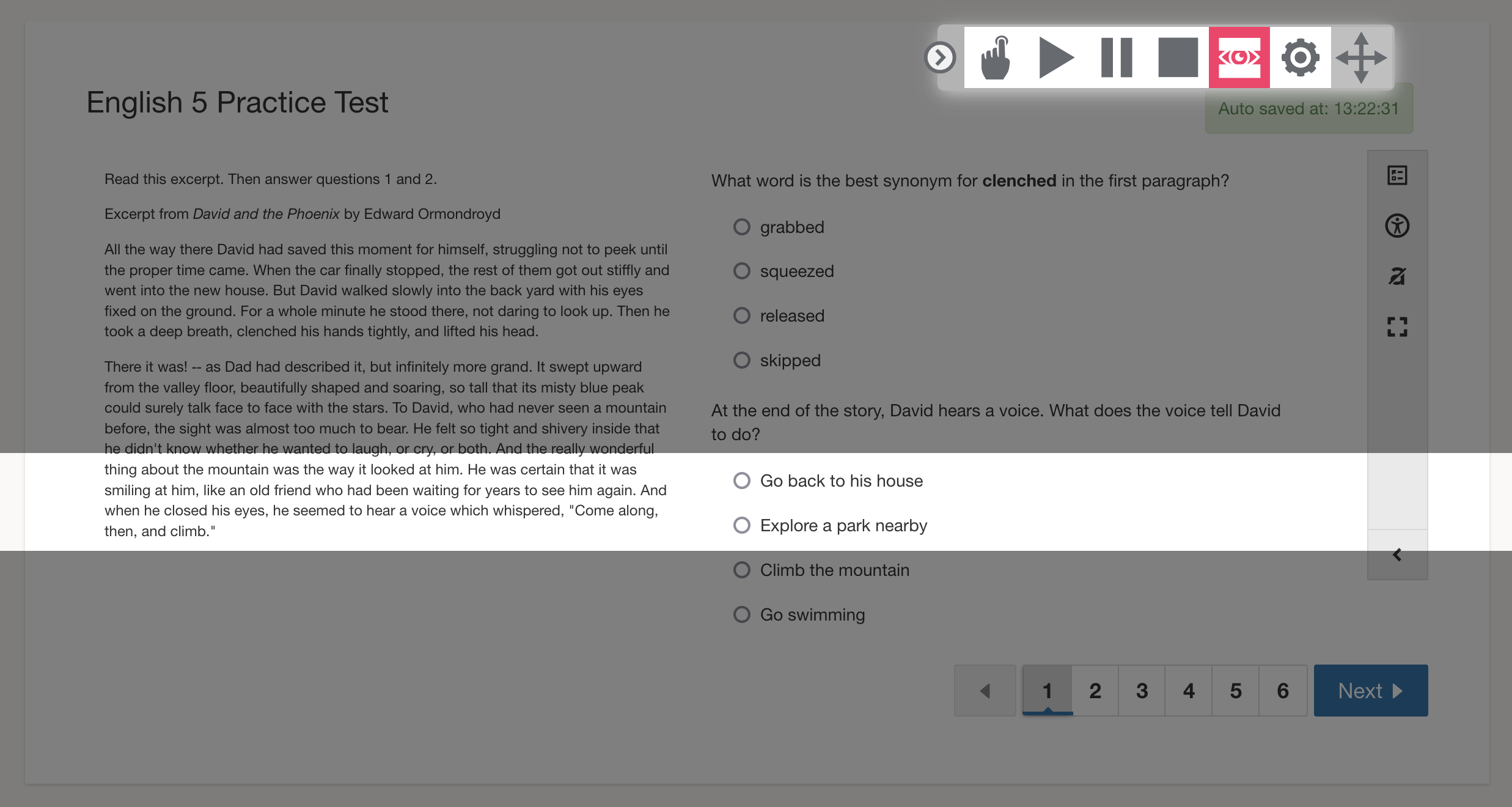
Screen masking (line reader) is available from the text-to-speech toolbar when text-to-speech is turned on for an assessment.
From the text-to-speech toolbar, click Settings. Select Screen Tools to display the Screen Mask settings.
To turn on the line reader or screen masking, students click the screen masking button in the text-to-speech toolbar. Then, click the screen masking button again to turn off the screen masking bar.